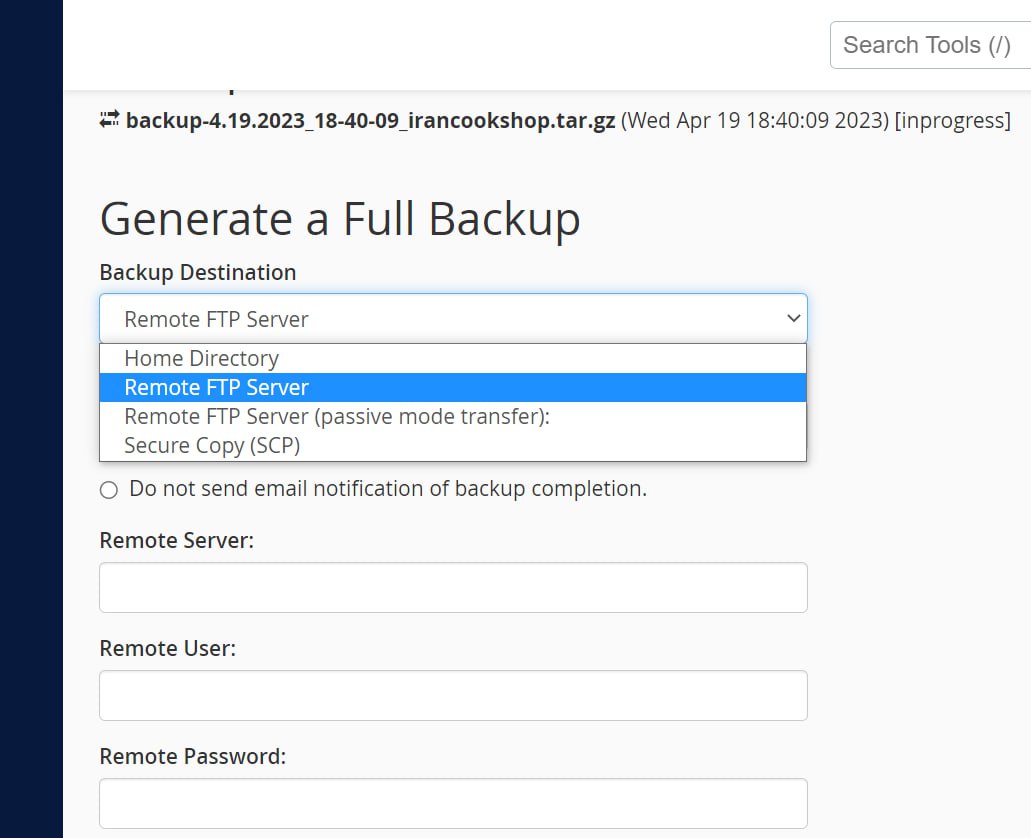
How to send a cPanel backup straight to another cPanel or host
For this, first go into the Backup section and click Download a Full Account Backup. Under Backup Destination, choose Remote FTP Server, give it the FTP details of the other server or host, and press Generate Backup.
Even if you want to move 100 GB of data, nothing is downloaded and uploaded again: the archive is written straight to the destination host over FTP.
Omid Bodagh

I am an SEO specialist who likes helping businesses get seen on Google. From WordPress to SEO, whatever an online business needs to grow, I can help with it.