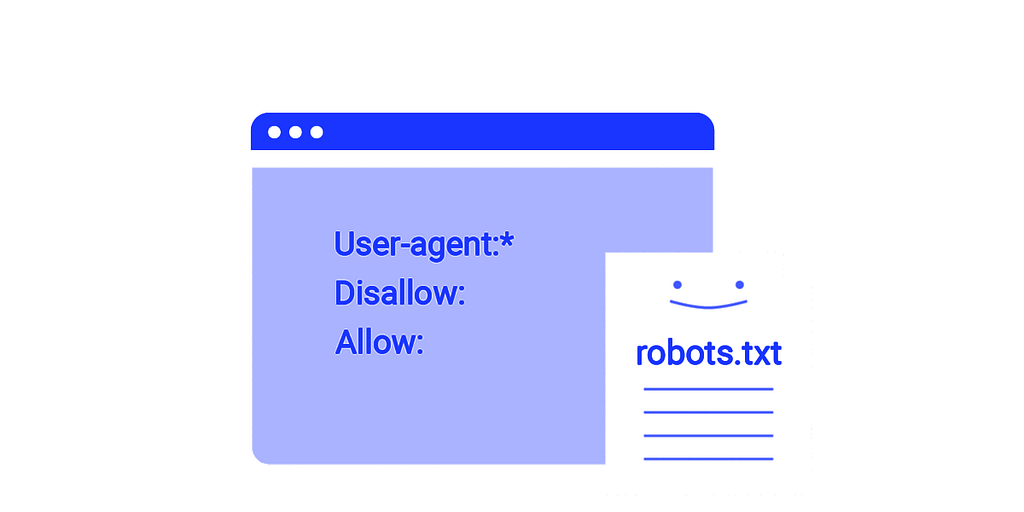
Think of the robots.txt file as a guard on your site: it tells crawlers which parts they are allowed to browse and which they must stay out of. That way we avoid a lot of pointless crawling noise, and we keep the pages we do not want crawled off limits. Here are the other rules we can write in this file:
The User-agent directive
This is where we set which crawlers our rules apply to. If you write User-agent: Googlebot, you are giving instructions to Google’s crawler and nobody else.
The Disallow directive
This one marks the areas we do not want crawlers to enter. If you write Disallow: /private/, you are saying that no crawler has the right to go into the private folder.
The Allow directive
Allow is the reverse of Disallow. It opens the areas we do want crawlers to reach, even if a Disallow line has already blocked them.
The Crawl-delay directive
This sets the pause between crawler requests to our site, so the server is not put under too much pressure at once.
One more important point: the file has to live in the website’s root directory, and its name is case-sensitive, so it must be exactly robots.txt¹².
Keep in mind, though, that some crawlers may simply decide not to follow your instructions — the hostile ones above all, such as malware bots and email-address harvesters.
Important recommendations about robots.txt
If you want your robots.txt file properly backed up and actually working, a few simple things need doing:
Check the path: the first step is seeing whether the file really sits at your site root. Usually you should be able to confirm that just by typing
www.example.com/robots.txt
into your address bar and finding your file there.
Try the online tools: plenty of them will check the file for you. Google Search Console, for instance, shows whether it behaves the way you meant.
Look at it yourself: open the file and read whether the directives you wrote are correct. If you want a part of the site kept out of reach, you have to have used the Disallowdirective.
Back it up regularly: always take a backup of the file and store it somewhere safe, so that if the original is ever lost or corrupted you can fall back on the copy.
Stay current: if you change the site structure, update the file so it matches the new one.
A robots.txt file for a WordPress store might well contain the directives below:
User-agent: *

Disallow: /wp-admin/

Allow: /wp-admin/admin-ajax.php

Disallow: /wp-includes/

Disallow: /wp-content/plugins/

Disallow: /wp-content/themes/

Disallow: /cgi-bin/

Disallow: /checkout/

Disallow: /cart/

Disallow: /users/

Disallow: /user/

Disallow: /account/

Disallow: /profile/

# Allow indexing of content and media files

Allow: /wp-content/uploads/

# Sitemap URL
Now let me explain what each of these does:
The User-agent: * line tells every crawler that the rules that follow apply to it.
Disallow tells crawlers which parts of the site they must not browse. Disallow: /wp-admin/, for instance, keeps them out of the WordPress admin area.
Allow gives crawlers back access to a path that a Disallow line had already blocked. Allow: /wp-admin/admin-ajax.php, for example, lets them reach the AJAX files inside the admin area.
The later Disallow lines for /wp-includes/ and /wp-content/plugins/ block the plugin files and WordPress code that a crawler has no reason to look at.
The same logic covers /checkout/, /cart/, /users/, /user/, /account/ and /profile/, because those pages are usually for specific users and do not need to show up in search results.
Allow: /wp-content/uploads/ lets crawlers reach the media and content files you upload.
And last, Sitemap: https://example.com/sitemap_index.xml points crawlers at the location of the XML sitemap, so they can find the site’s content and index it more easily.
A file like this tells crawlers which parts of the site to browse and which to skip. That keeps the pages we do not want indexed out of the results, and it lets crawlers spend their time on the content that matters more.
Omid Bodagh

I am an SEO specialist who likes helping businesses get seen on Google. From WordPress to SEO, whatever an online business needs to grow, I can help with it.