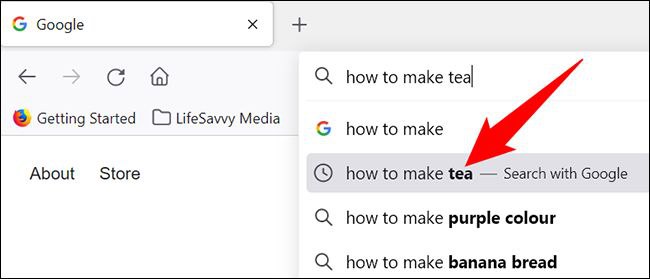
Google’s Practical Features: Suggestions While You Search
Using its own database and taking users’ search history into account, Google predicts what topic you are trying to find and suggests the items closest to it.
These results are shown to users based on the most frequent searches and the location of the search, so that Google can display the best results for you.
Of course, if you are looking for a related topic, it is recommended not to disable this part.
Turning Off Google’s Suggestions While You Search
1. In the main window, click the three-dot icon in the top right corner and select Settings
2. In the settings window, under You and Google, click Sync and Google services.
3. In the Other Google services section, turn off Auto-complete searches and URLs.
Omid Bodagh

I am an SEO specialist who likes helping businesses get seen on Google. From WordPress to SEO, whatever an online business needs to grow, I can help with it.