In this tutorial I’ll show you how to find the most up-to-date content on Google and get to it.
Using the Tools menu in Chrome:
First, search for whatever you want
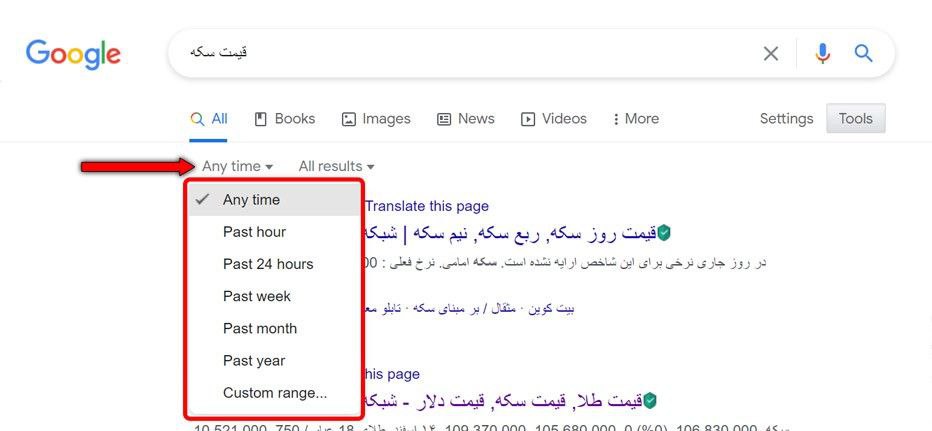
Click Tools or Search tools.
Click Any time and enter the date range you have in mind.
This method works on both Android and Windows.
Restricting results by date before or after the keyword:
Placing before:YYYY in the search shows results from before the year you entered.
Placing after:YYYY in the search shows results from after the year you entered.
You can also use YYYY/MM/DD to pin down the exact day and month.
Omid Bodagh

I am an SEO specialist who likes helping businesses get seen on Google. From WordPress to SEO, whatever an online business needs to grow, I can help with it.