There is a simpler way to delete your internet search history, but you may prefer to hide your browsing record from other people without deleting it.
In this post we look at setting a password on access to your Google search history.
To do this, follow the steps below:
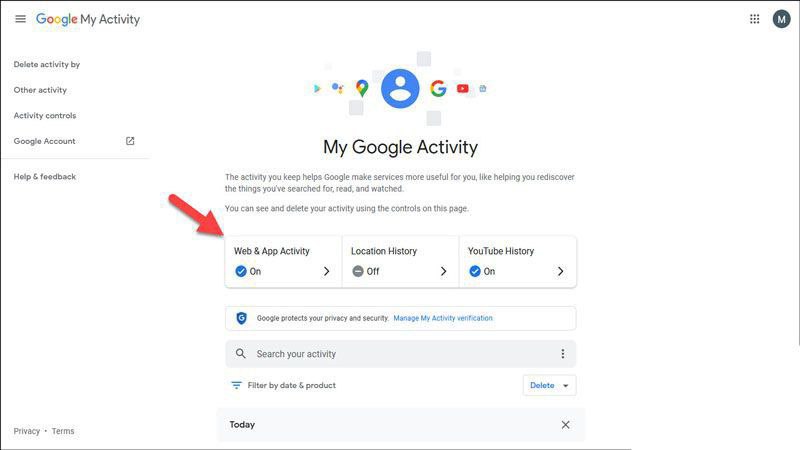
- Sign in to the website
and click on Web & Activity
2. Click the Manage Activity option
3. Click the Manage My Activity Verification option
4. Turn on the Require Extra Verification checkbox and click Save.
Omid Bodagh

I am an SEO specialist who likes helping businesses get seen on Google. From WordPress to SEO, whatever an online business needs to grow, I can help with it.